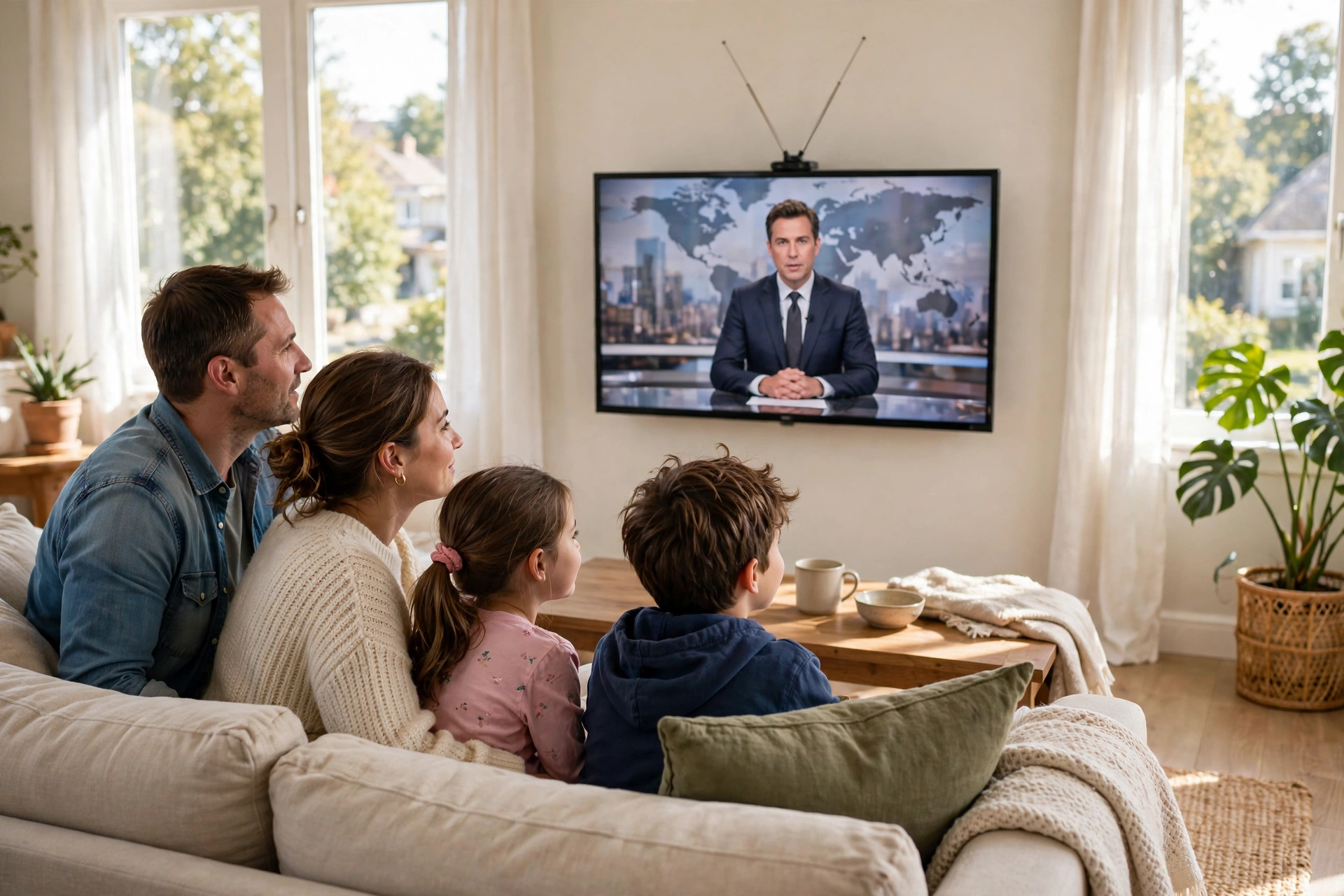
Cord-cutting has changed the way the world watches television, but many people still miss one thing: the simple pleasure of flipping through live channels. The good news is that live TV no longer requires an expensive cable package. A growing number of free, fully legal services now stream live channels over the internet — news, sports highlights, entertainment, movies, and more — without subscriptions, contracts, or hidden fees. This guide shows you the best legal ways to stream free live TV online and how to set everything up in minutes.
What Is Free Live TV and How Does It Work?
Free live TV services work like traditional television channels, except they stream over the internet instead of arriving through a cable box or antenna. When you open the app, you land on a channel guide that shows what is playing now and what is coming up next. You pick a channel, and the program plays live — just like old-fashioned TV, but delivered through your broadband connection.
These services are completely legal because they license their channels and content from rights holders. The business model is familiar: short ad breaks pay for everything, exactly the way free broadcast television has always worked. You never need to enter credit card details, and you never need to worry about whether the stream is legitimate. If a service is listed in this guide, it plays by the rules.
The Best Legal Ways to Stream Live Channels for Free
Each of these options offers genuine free live TV. Most work on smart TVs, streaming devices, phones, tablets, and web browsers, so you can watch wherever you are.
Pluto TV
Pluto TV is the flagship of free live TV. It offers a large lineup of themed live channels covering news, sports, entertainment, true crime, classic shows, kids’ programming, and movies. The built-in channel guide makes it feel just like cable, and the whole service is free with no account required. If you only try one free live TV service, make it this one — it is the closest thing to a complete cable replacement you can get for free.
Tubi Live Channels
Tubi is famous for its on-demand movie library, but it also carries a solid selection of live channels, including news, sports, and entertainment streams. If you already use Tubi for movies, the live channels are a natural bonus — same app, same free account, no extra setup. It is a great way to switch between a film on demand and a live broadcast without leaving the platform.
Plex
Plex has quietly become one of the most capable free streaming platforms, and its live TV section is a highlight. Alongside its ad-supported movie catalog, Plex offers a wide range of free live channels across genres, all wrapped in a polished interface that works beautifully on smart TVs and streaming devices. The official Plex website lets you watch instantly in a browser, and the app is available on almost every platform, from phones to game consoles.
The Roku Channel
The Roku Channel includes a dedicated live TV section with free channels spanning news, entertainment, and more. While the experience is richest on Roku devices, you can also watch through the web and mobile apps without owning any Roku hardware. It is a dependable, easy-to-use option for background viewing or catching up on the day’s headlines.
Freevee Live
Freevee, Amazon’s free streaming service, includes live channels alongside its on-demand library. The live lineup focuses on entertainment, news, and themed channels that are easy to browse. Since it runs on the same apps and accounts as the rest of Amazon’s ecosystem, setup is painless — especially if you already use a Fire TV device.
Free News Streams
Many major news organizations stream their coverage live and free through their own apps and websites. Dedicated news apps from national and international broadcasters let you watch breaking coverage, morning shows, and evening bulletins at no cost. Pairing a general service like Pluto TV with one or two dedicated news apps gives you round-the-clock live news without spending anything.
Network and Broadcaster Apps
Individual TV networks and broadcasters increasingly offer free live streams and catch-up content through their official apps. These apps often include a live channel that mirrors the broadcast schedule, plus on-demand episodes of recent shows. Availability varies by country, but checking the apps of your favorite networks is one of the easiest ways to add legal live content to your lineup.

What Do You Need to Watch Free Live TV?
The requirements are refreshingly simple. Here is the short checklist:
- A stable internet connection. Live streams need a steady connection. A basic broadband or fiber line is plenty; most services adjust quality automatically if your speed dips.
- A compatible device. Smart TVs, streaming sticks, phones, tablets, laptops, and game consoles all work. If your TV is not smart, an affordable streaming stick turns it into one.
- The free apps. Download the apps from your device’s official app store — Apple App Store, Google Play, Roku Channel Store, or Amazon Appstore — to be sure you are getting the genuine, safe version.
- An optional free account. Most services work without signing in, but a free account can unlock favorites, reminders, and personalized recommendations.
Tips for the Best Free Live TV Experience
- Start with one service and add more. Pluto TV alone covers a lot of ground. Add Plex or Tubi’s live channels when you want more variety.
- Favorite your channels. Free services offer a lot of channels, and favoriting the ones you actually watch saves endless scrolling through the guide.
- Use the guide, not just the homepage. The channel guide is where live TV shines — browse what is on now and set reminders for programs you do not want to miss.
- Combine live TV with on-demand movies. Live channels are perfect for news and background viewing; when you want a specific film, switch to an on-demand library.
- Check regional availability. Channel lineups differ by country, so browse the guide in your own region — you may find local news and entertainment channels you did not expect.
Prefer choosing exactly what to watch instead of following a schedule? Our guide to watching free movies legally online covers the best on-demand services for films.
Free Live TV vs Paid Live TV
Paid live TV services offer the newest episodes of premium shows and live sports leagues, and free services do not try to pretend otherwise — you will not find the latest blockbuster sports package or same-day premium dramas on a free platform. What free live TV does offer is surprisingly broad: 24-hour news, classic and recent entertainment, movies, true crime, documentaries, kids’ shows, and themed channels for almost every interest. For many viewers, that covers the bulk of what they actually watch day to day. And because it costs nothing, free live TV is also the perfect complement to a single paid subscription — letting you keep live channels in your life while cutting the rest of the bill.
Frequently Asked Questions
Is free live TV really legal?
Yes. The services in this guide license their channels and content properly, funding themselves through advertising. Streaming from them is completely legitimate — no gray areas, no risky sites.
Do I need cable or a satellite dish?
No. Free live TV streams over the internet, so all you need is a broadband connection and a device that can run the apps or a web browser. No dish, no set-top box, no installation appointment.
Can I watch live sports for free?
Some free services carry sports highlights, classic games, and sports talk channels, but the biggest live leagues generally require a paid subscription. For live sports specifically, check the official apps of leagues and broadcasters in your country — some offer free games or highlights.
Why does free live TV have ads?
Advertising is the entire business model. The ads you see during live channels pay for the licensing that keeps the service free, just like traditional broadcast television. You trade a few short ad breaks for channels that cost nothing.
Will these services work outside my country?
It depends on the service. Most free live TV platforms are available in multiple countries, but the exact channel lineup varies by region because of licensing. If you travel, you may see a different set of channels — which can actually be a fun way to discover new programming.
About the Author